Account Setup
Now that your development tools are installed, let's set up the online accounts you'll need for this workshop. We'll create and configure Cloudflare accounts.
1. Create Cloudflare Account
Already have a Cloudflare account?
- Yes: Great! Make sure you can log in at dash.cloudflare.com
- ❌ No: Follow the steps below
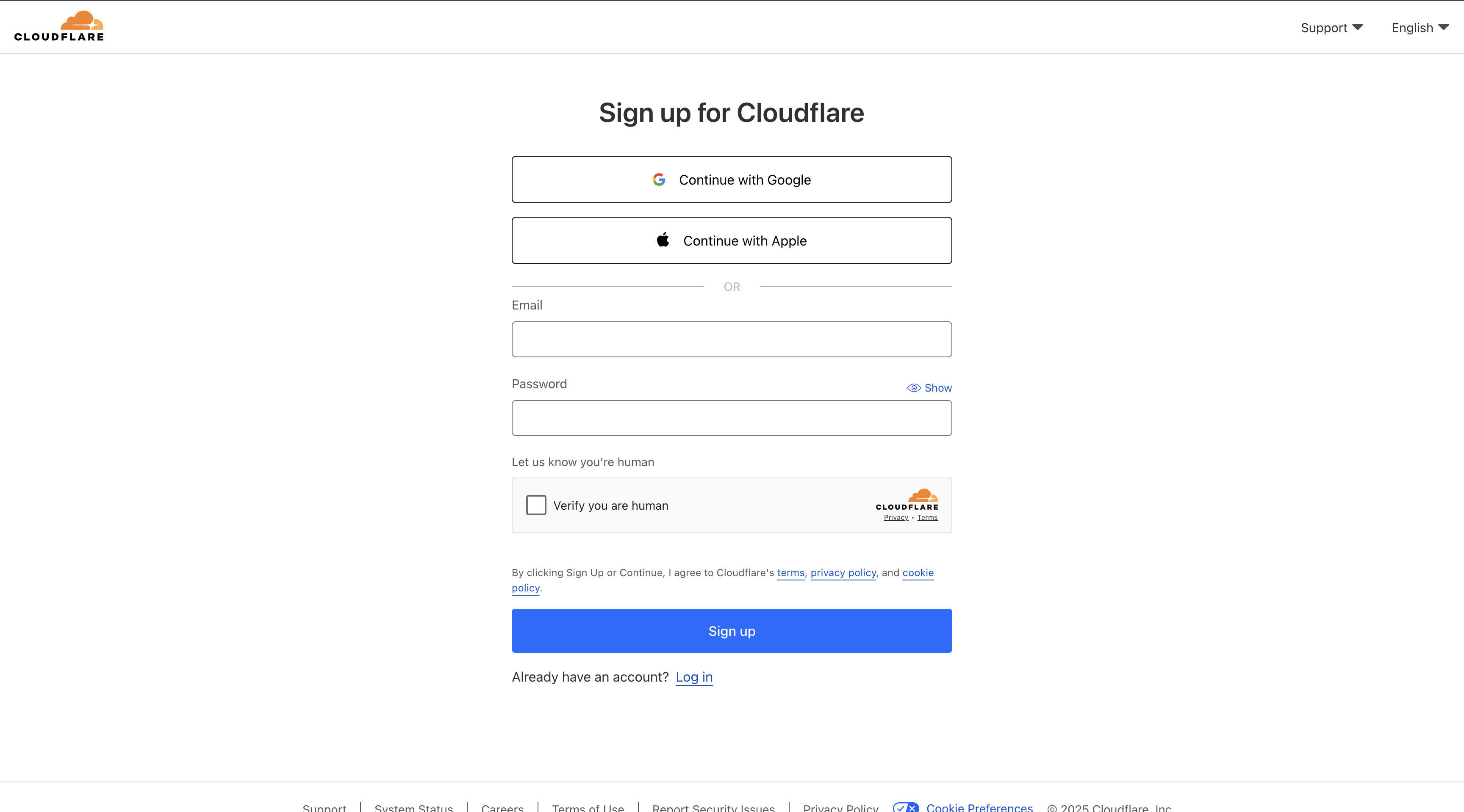
Create New Account:
- Visit cloudflare.com
- Click "Sign up"
- Enter your email address and create a password
- Verify your email address
- Complete the account setup process
<SLUG>.sxplab.com. You can also find your domain/zone name in the Cloudflare dashboard.2. Wrangler Authentication
Now we'll connect the Wrangler CLI tool to your Cloudflare account for seamless deployment.
Authenticate Wrangler
Run the authentication command:
wrangler login
If you're having trouble using Wrangler due to a VPN or WARP, you can try disabling it. Alternatively, you can use WARP's DoH mode.
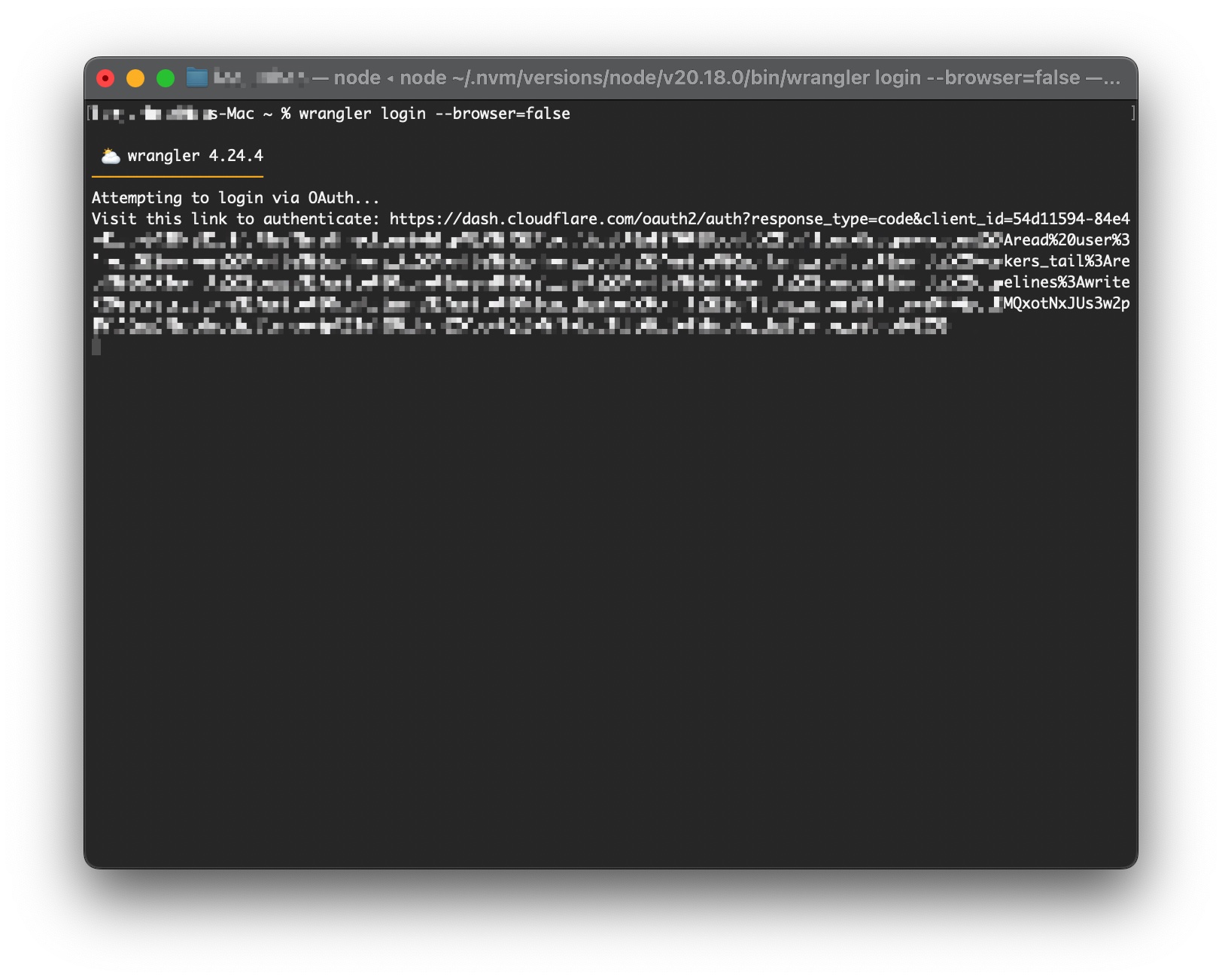
Complete Authentication Process
What happens next:
- Your default web browser will open automatically
- You'll be redirected to Cloudflare's authentication page
- If you're not already logged in, enter your Cloudflare credentials
- Review the permissions Wrangler is requesting
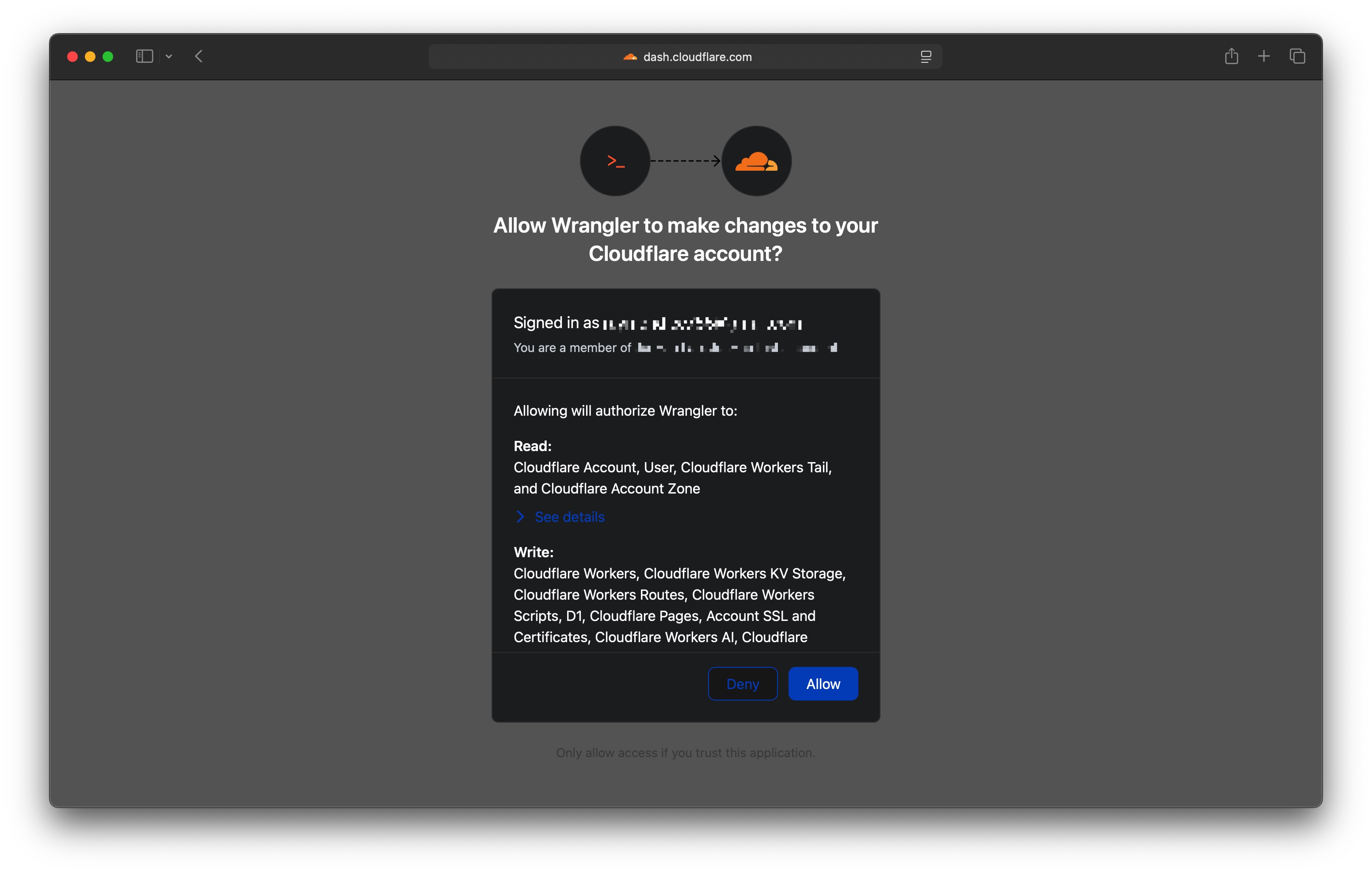
Grant Permission:
- Review the permissions carefully
- Click "Allow" to grant Wrangler access to your Cloudflare account
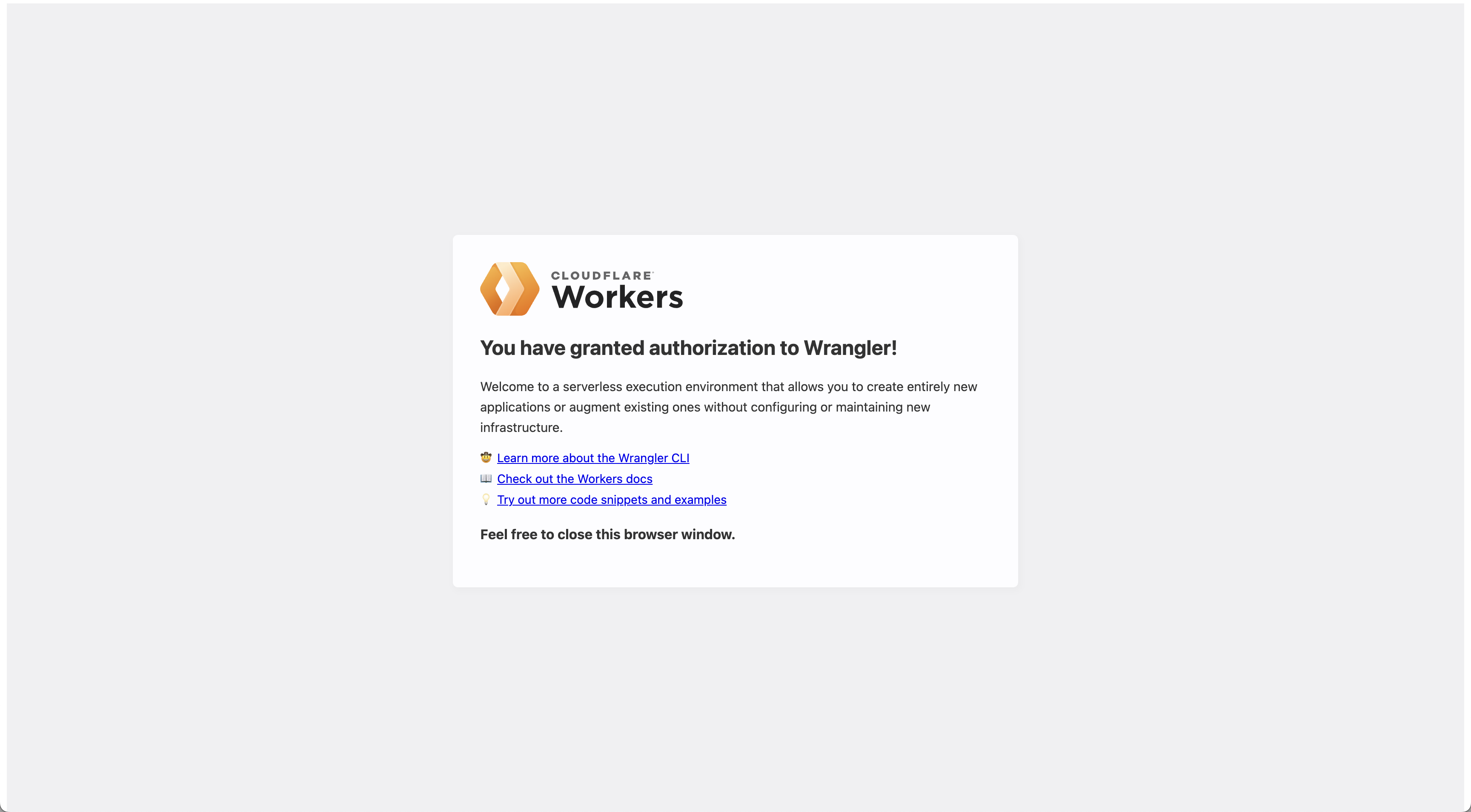
- You should see a success message in your browser
- Return to your terminal
Verify Authentication
Confirm the authentication was successful:
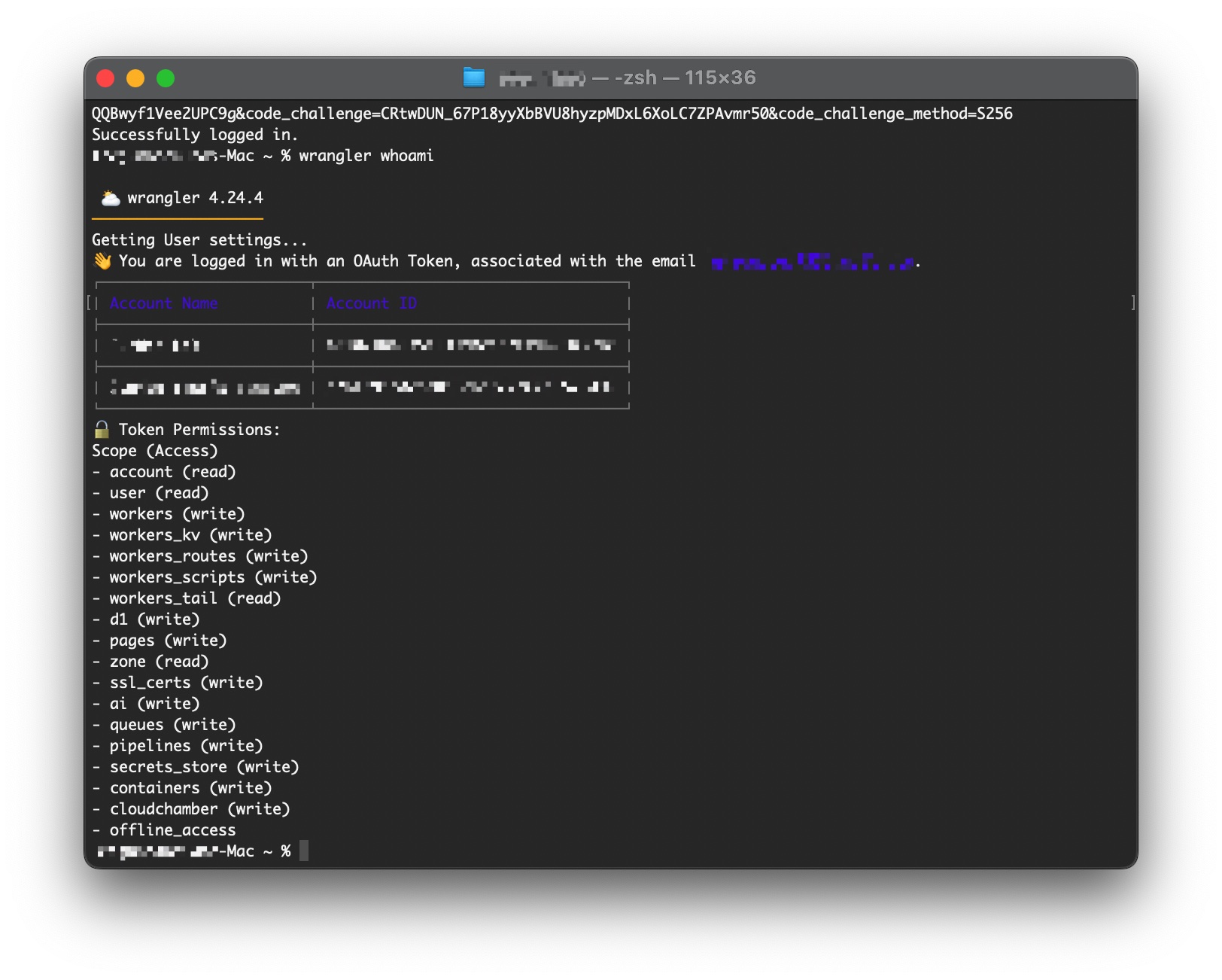
wrangler whoami
Expected output: Your Cloudflare account email address
Example:
👋 You are logged in with an OAuth Token, associated with the email 'your-email@example.com'!
Troubleshooting Authentication
Browser doesn't open automatically:
wrangler login --browser=false
This will provide a manual login URL to copy and paste.
Authentication fails
- Check your internet connection
- Disable VPN if you're using one
- Try a different browser
- Clear browser cache and cookies for cloudflare.com
Permission denied errors
- Ensure you're using the correct Cloudflare account
- Verify your account has the necessary permissions
- Try logging out and back in:
wrangler logoutthenwrangler login
Need Help?
GitHub Issues:
Cloudflare Issues:
Wrangler Issues:
- Wrangler Documentation
- Check the Troubleshooting Guide
Your accounts are the foundation for everything we'll build. Great job getting this set up! 🚀